I designed and built iPrice as a Windows Forms application on .NET Framework, using the DevExpress controls: ribbon, side navigation, multiple tabs and grids with filters, grouping and in-place editing. The data lives in SQL Server and is read and written through a data access library shared with the WebPrice backend.
Surveys and Prices
A survey groups the store visits made for one client over a given period. The list can be grouped by year and shows, under each survey, the individual store visits with store, date, handheld terminal and service type. From here visits can be merged, duplicated or imported.
Opening a survey leads to the price grid: one row per product and, for each store, price, promotion and original price. Price colours show the change from the previous survey, duplicated client codes and descriptions are highlighted, and the ribbon turns on advanced filters, promotions and percentage views, and generates the file for the client. A survey stays private until it has been checked. Once it is made public it becomes read-only and shows up in WebPrice.
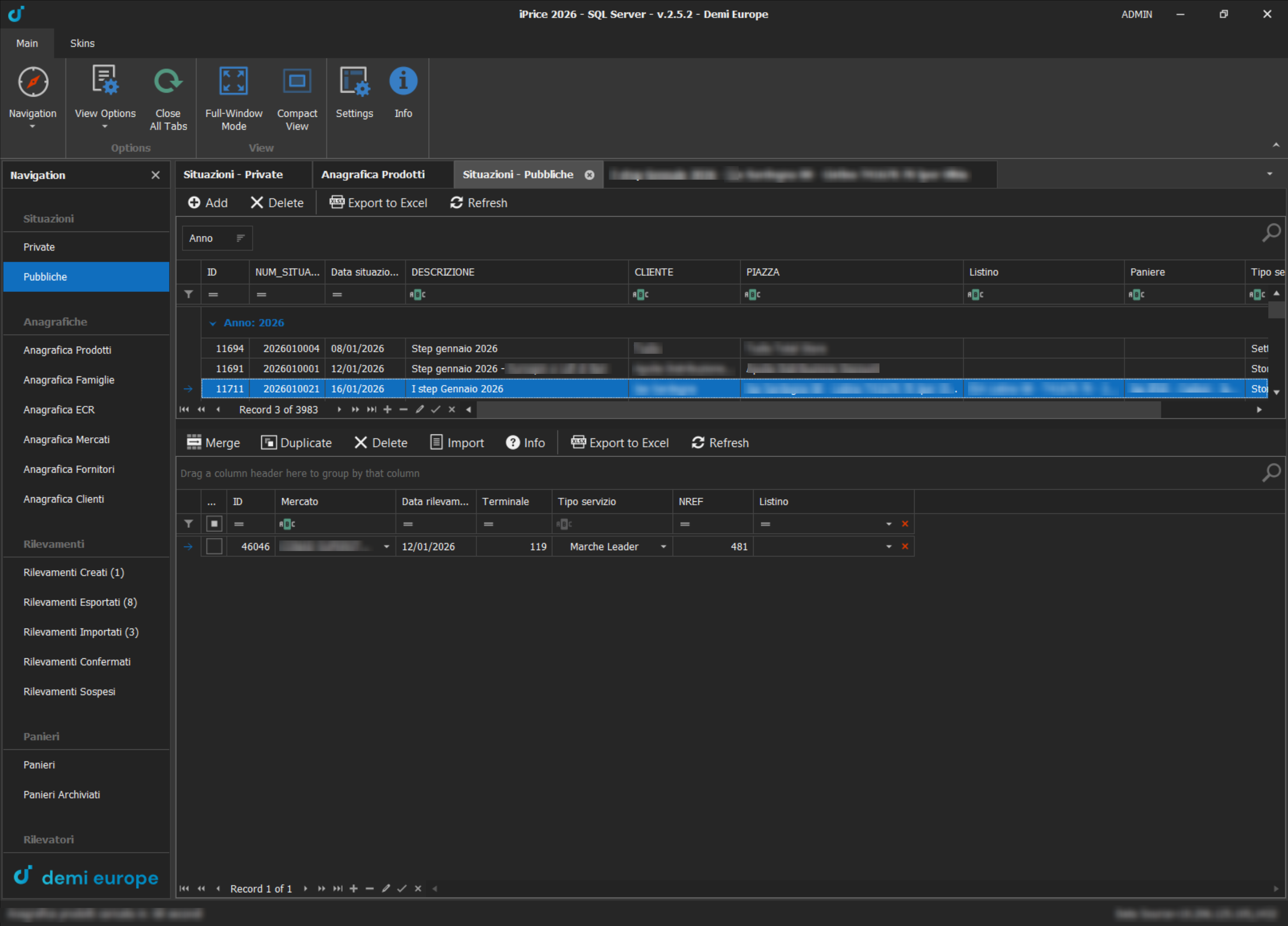
Public surveys, with the store visits of the selected survey
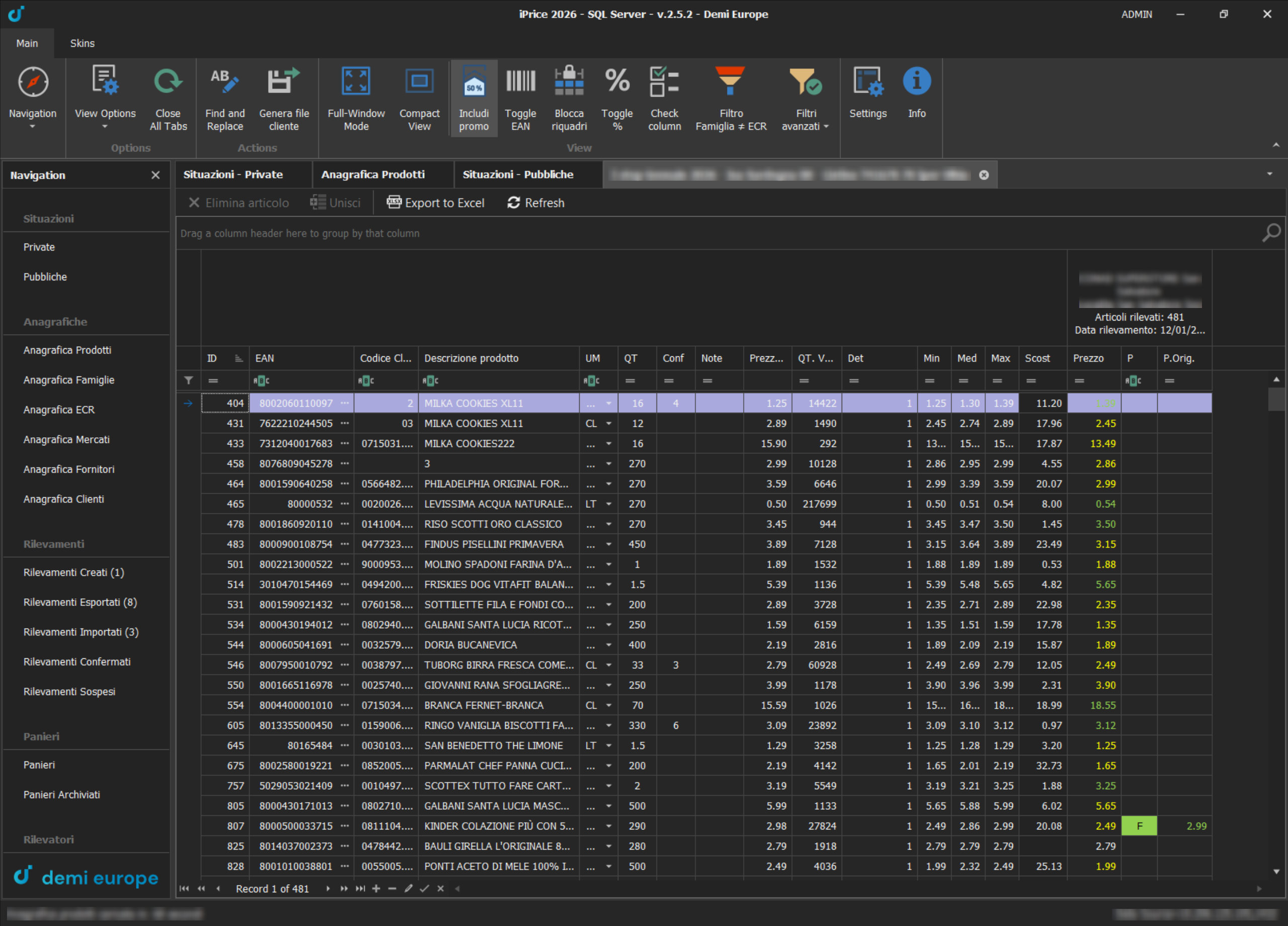
Price grid: one column per store, with index and change colours
Product Baskets
A basket is the list of products the surveyors have to look for on the shelves. It is imported from the client's file, fully, partially or as a replacement, and its items are linked to the product catalogue. Baskets can be cloned to prepare the next campaign and archived when no longer needed; the item list also shows the buyer responsible for each product.
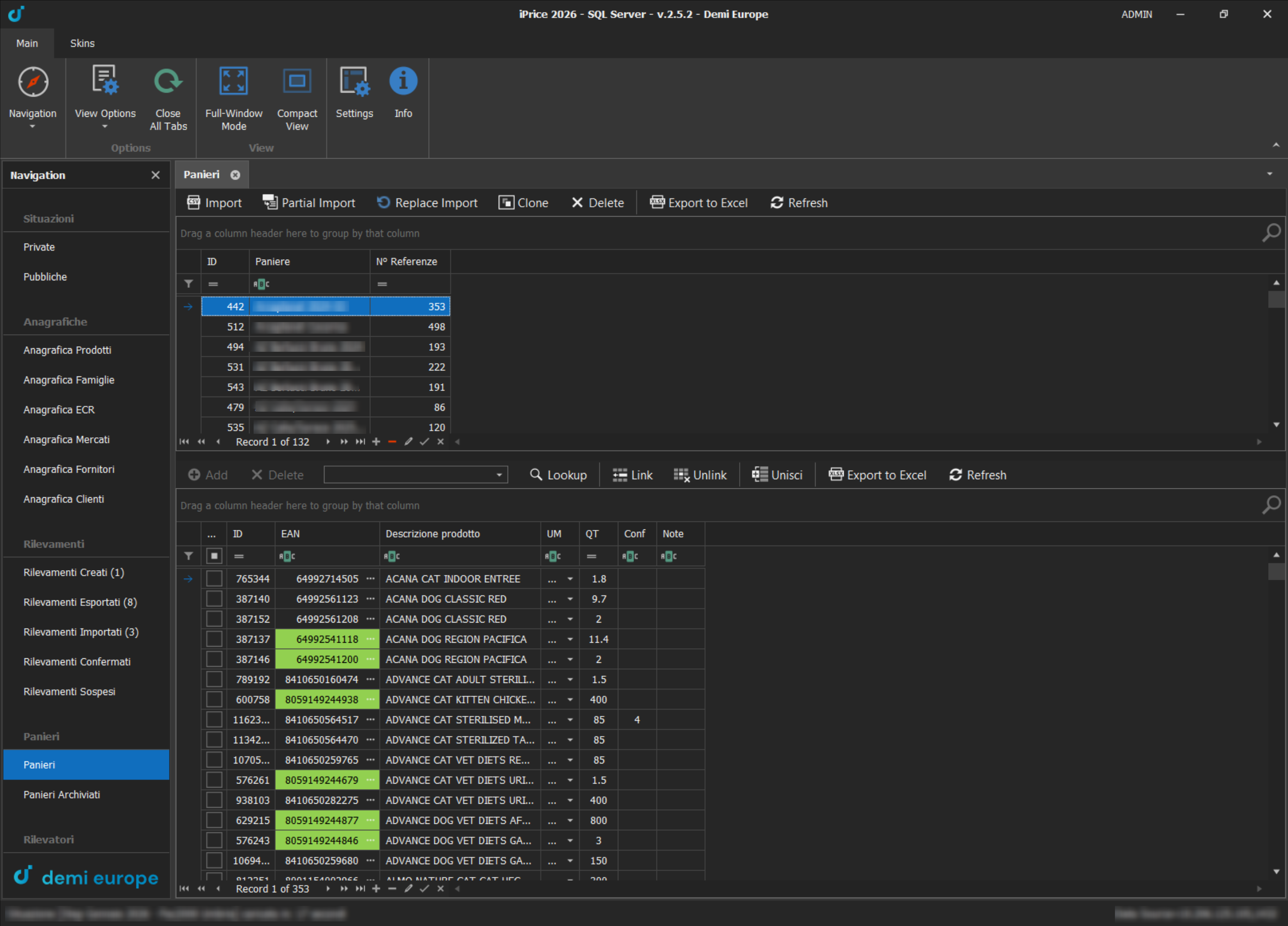
Baskets: list with number of items and products linked to the catalogue
Master Data
Products, families, ECR categories, stores, suppliers and clients each have their own master data screen, all built on the same grid: per-column filters, grouping by dragging a header, search, copy and paste between cells and Excel export. The product catalogue holds almost 800,000 items, with highlighted EAN codes and the option to merge duplicates.
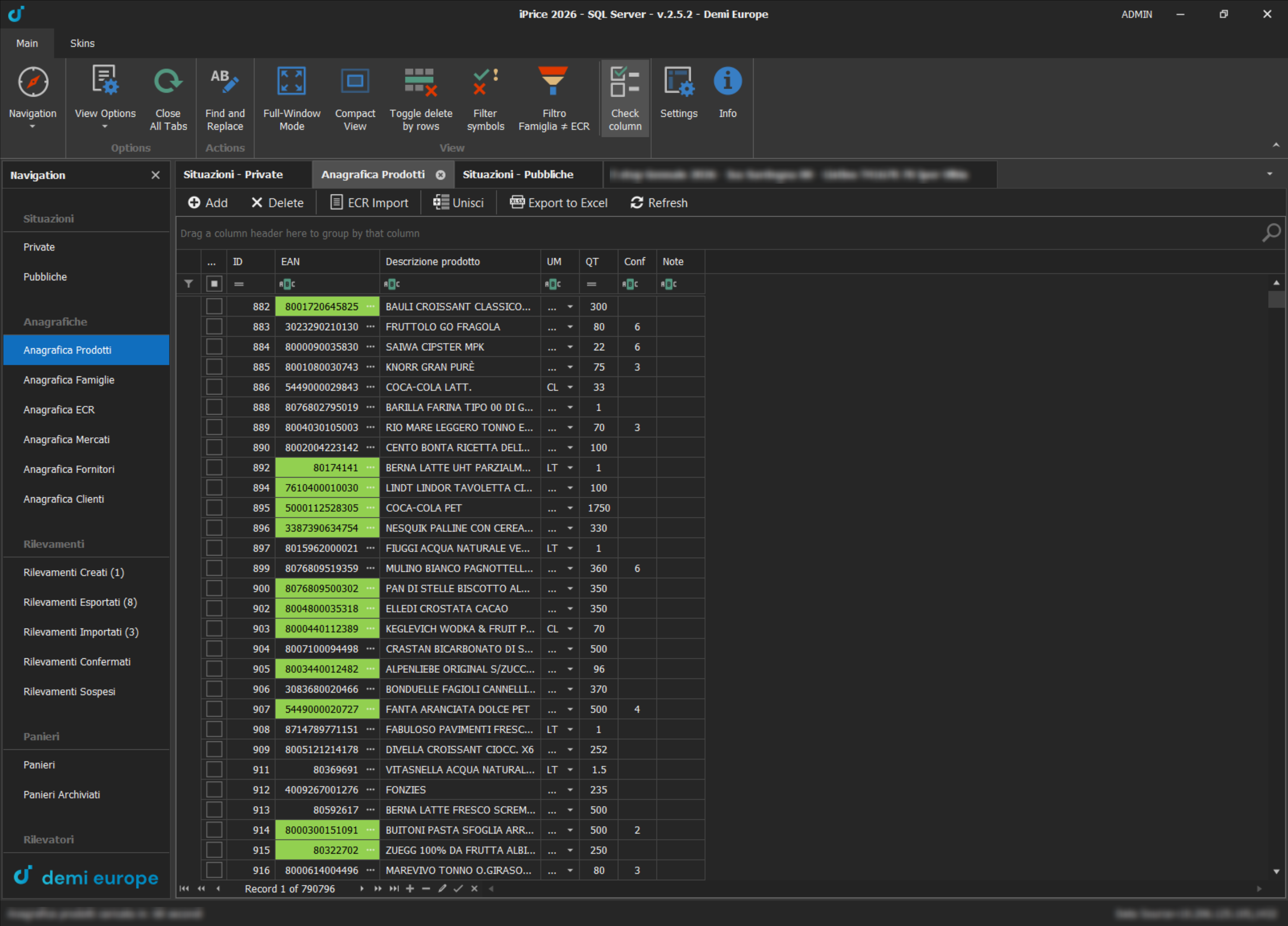
Product catalogue: almost 800,000 items in a single grid
ECR Classification
ECR is the standard product classification used in grocery retail: a five-level tree running from the department (for example Household care) down to the finest segment (Hand laundry – Liquid), with more than 10,000 entries. Each level adds two digits to the code, so a category's code gives its whole path. Moving the entire product catalogue onto this classification, and keeping it aligned over time, was one of the largest pieces of work in the project.
- ECR master data: each entry shows its level, code and full path. To create a new one you just type the code: the application finds the parent category by itself, builds the full description as you type and blocks codes that already exist
- Bulk import: a file of EANs and ECR codes assigns the category to thousands of products at once. Rows that cannot be matched go into a separate file, ready to be fixed and imported again
- Five levels in the grid: in the product and price grids each ECR level has its own column, filterable and editable from a drop-down. The ribbon chooses which levels to show, and the choice is remembered
- Consistency check: the Family ≠ ECR filter shows only the products whose internal family does not match their ECR category, or that have neither, so inconsistencies are found and fixed straight away
The same tree feeds WebPrice, where each client analyses price indices by ECR category and each user sees only the categories they are responsible for.
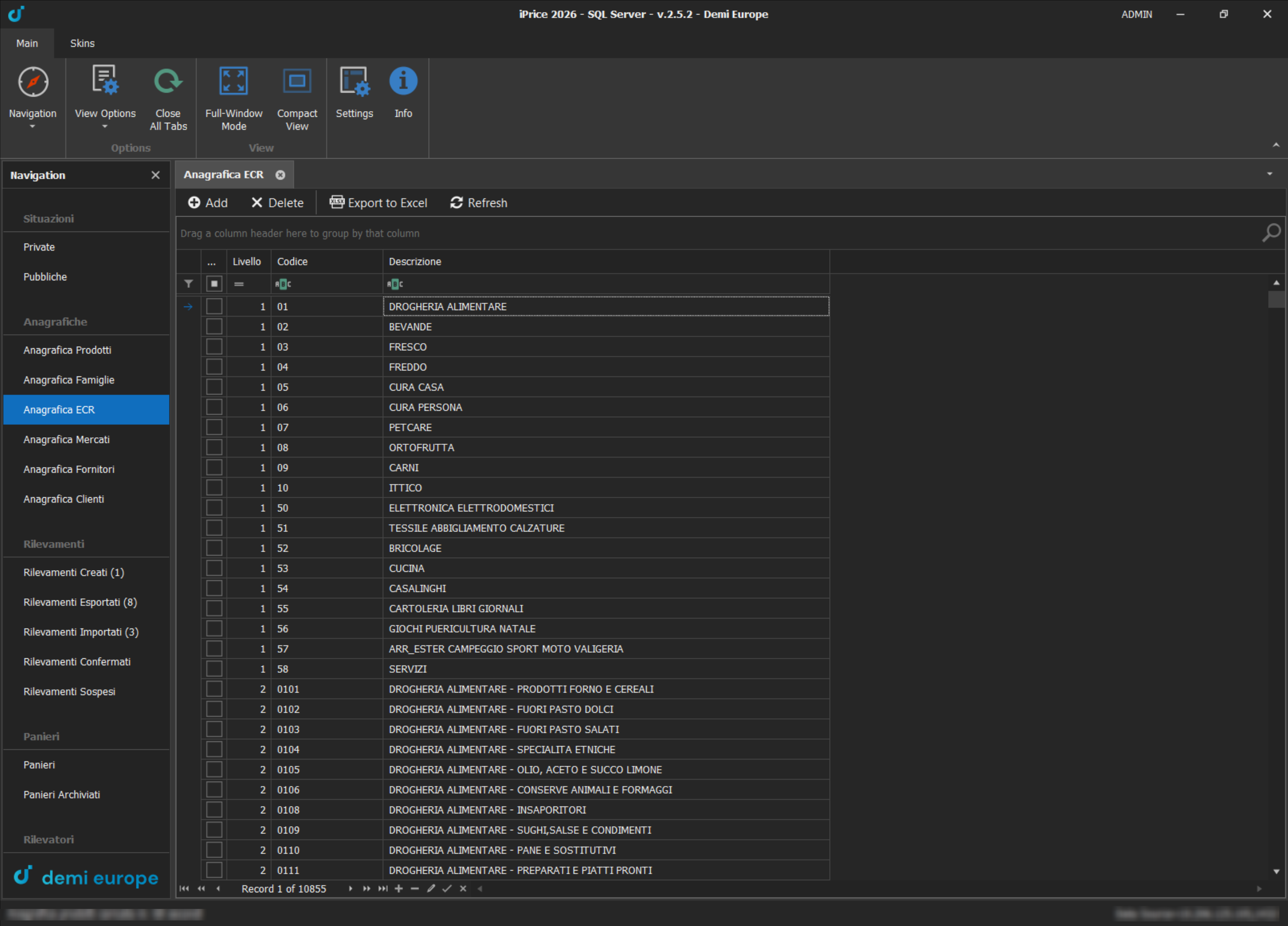
First ECR level: the departments, from grocery to DIY and services
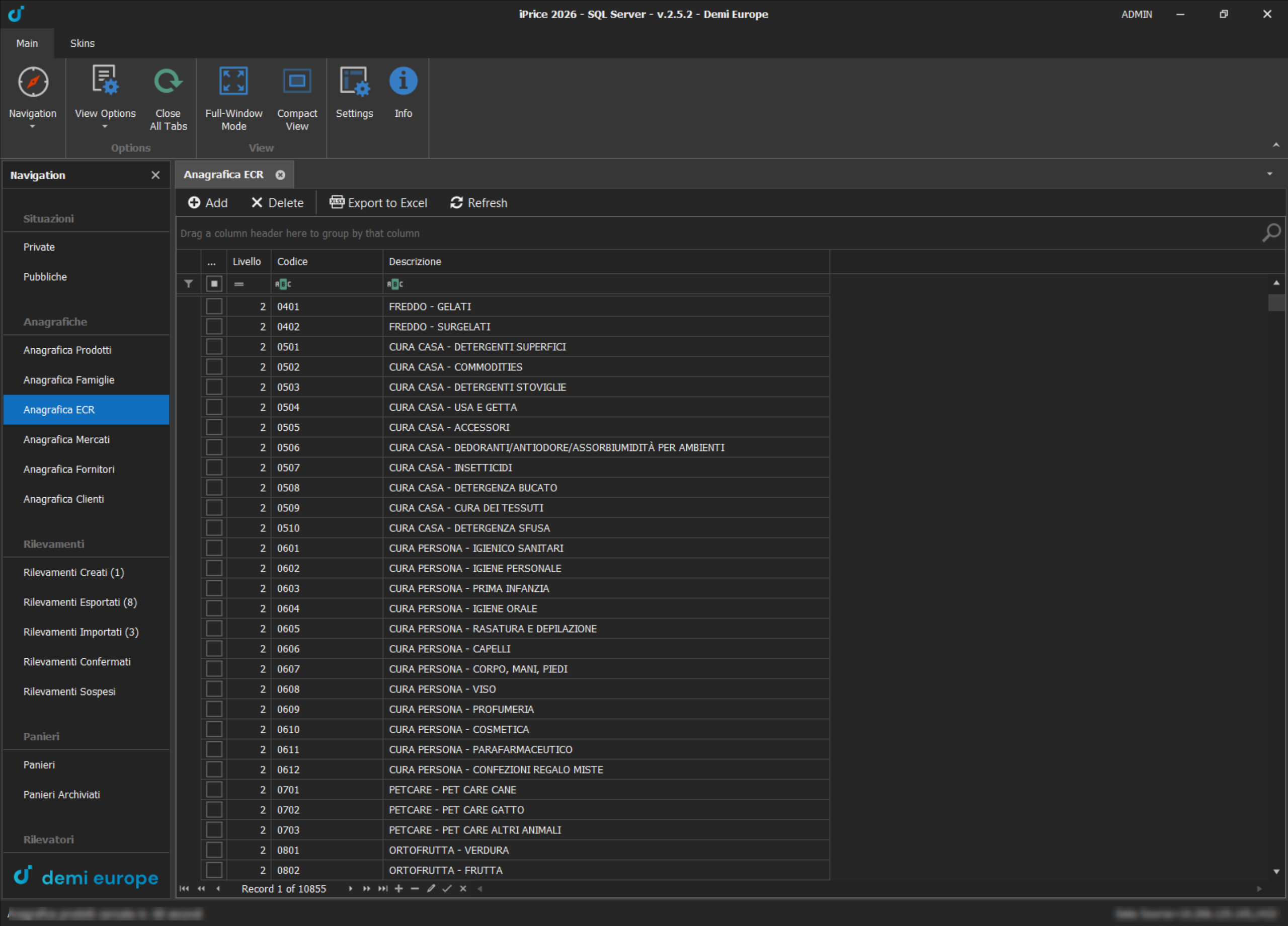
Second level: each department splits into categories and the code grows by two digits
Store Visits and Quality Control
Each store visit goes through a sequence of states: created, exported to the surveyor's handheld terminal, imported with the collected prices, and finally confirmed or suspended. The database maintenance section, reserved for administrators, looks for the anomalies that manual checks miss: promotional prices higher than the full price, promotions without a code, prices far off their history. Corrections are made directly in the grid, even on all flagged rows at once.
Technologies Used